
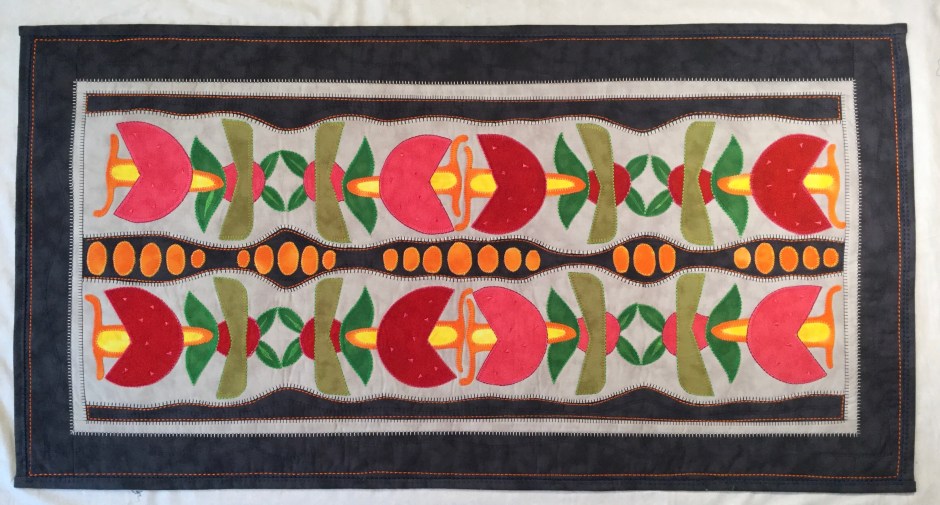
Jane Sassaman is a designer , quilt artist and business woman .Her work is based on large florals and she mainly uses solid coloured fabrics and sewing machine techniques to enhance her work. Her work is vibrant and graphically exclusively her own .
She has a specific method to creating her fabulous quilts and I will take you on that journey !
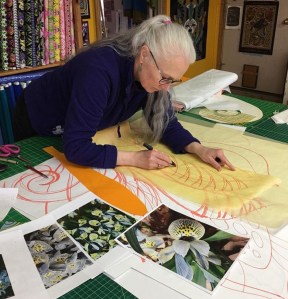


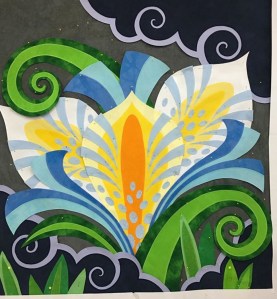
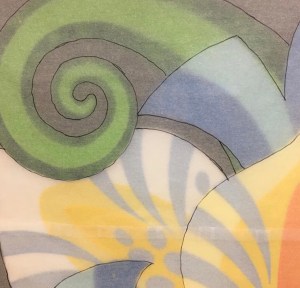
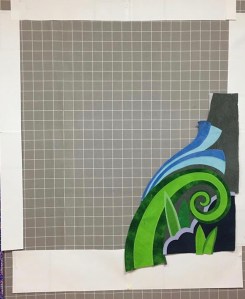
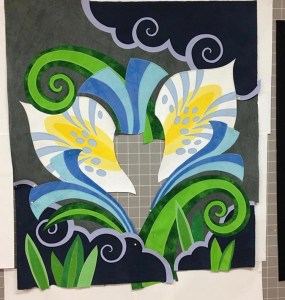

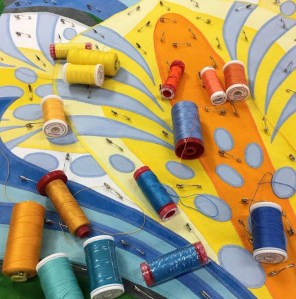
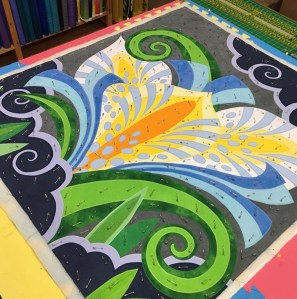

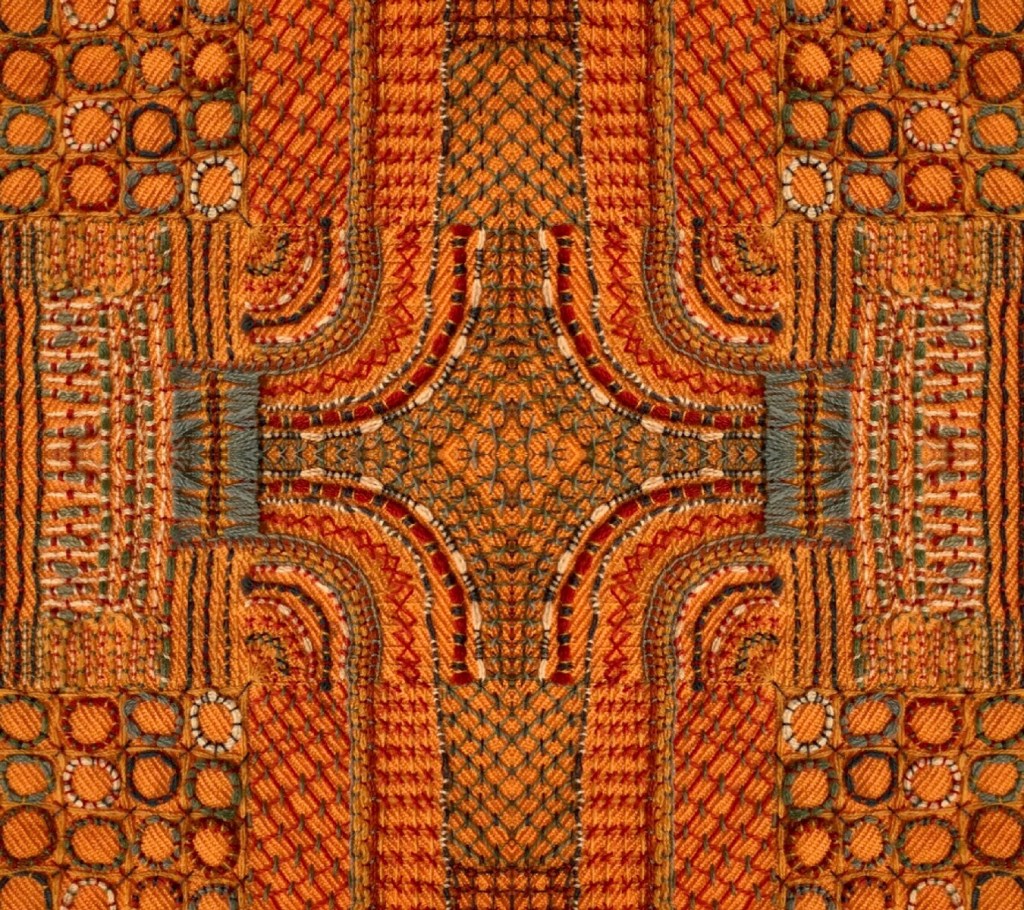
I have been looking for a project to teach Janes method using an app to create individual designs . Many students need a pattern before they take on work so in order to push them to be a little more creative without too much fear of design and the drawing board. I have developed a way for each student to create their own organic design using this Kaleidoscope App and therefore each piece is different .
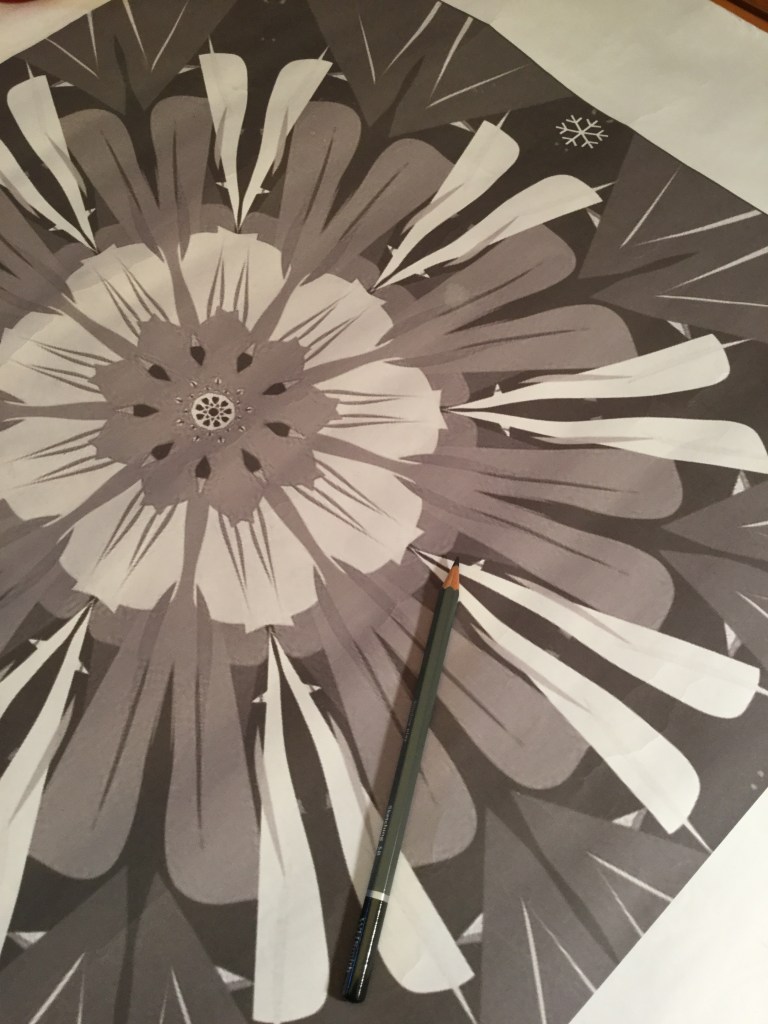
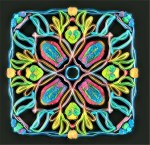
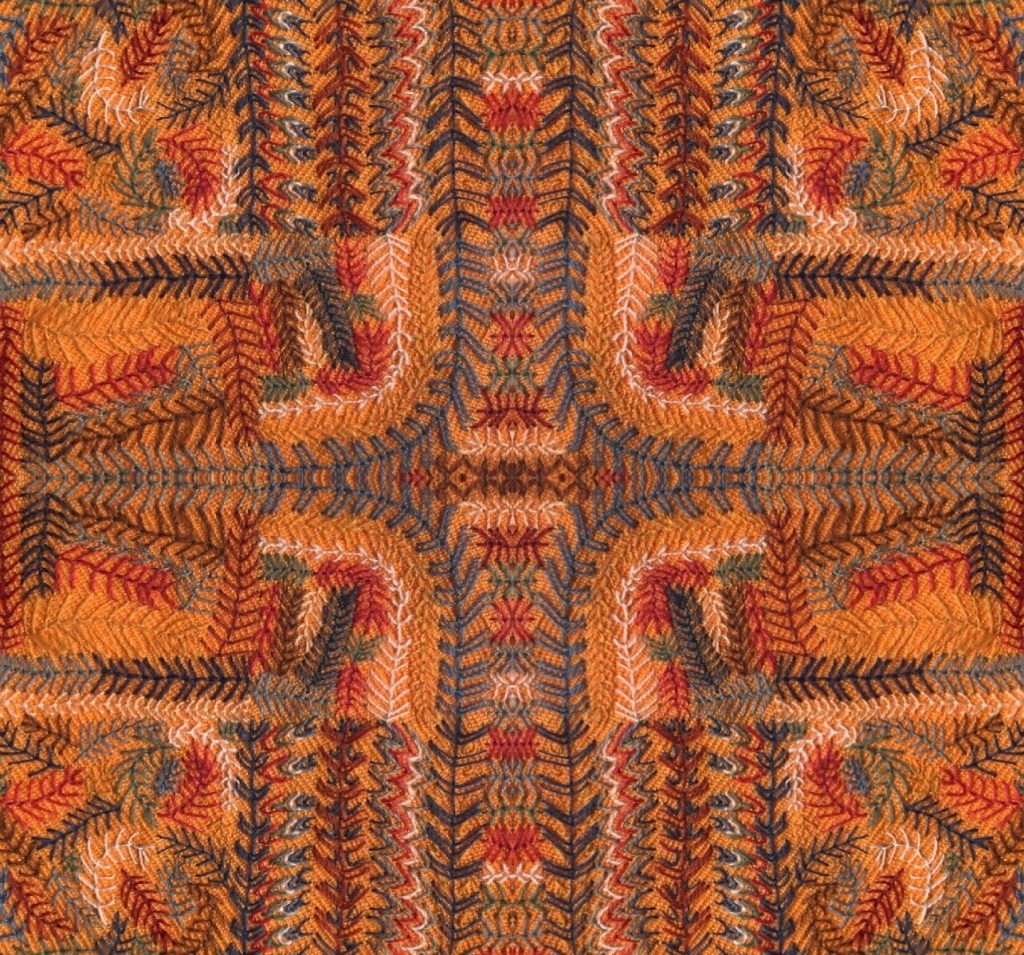
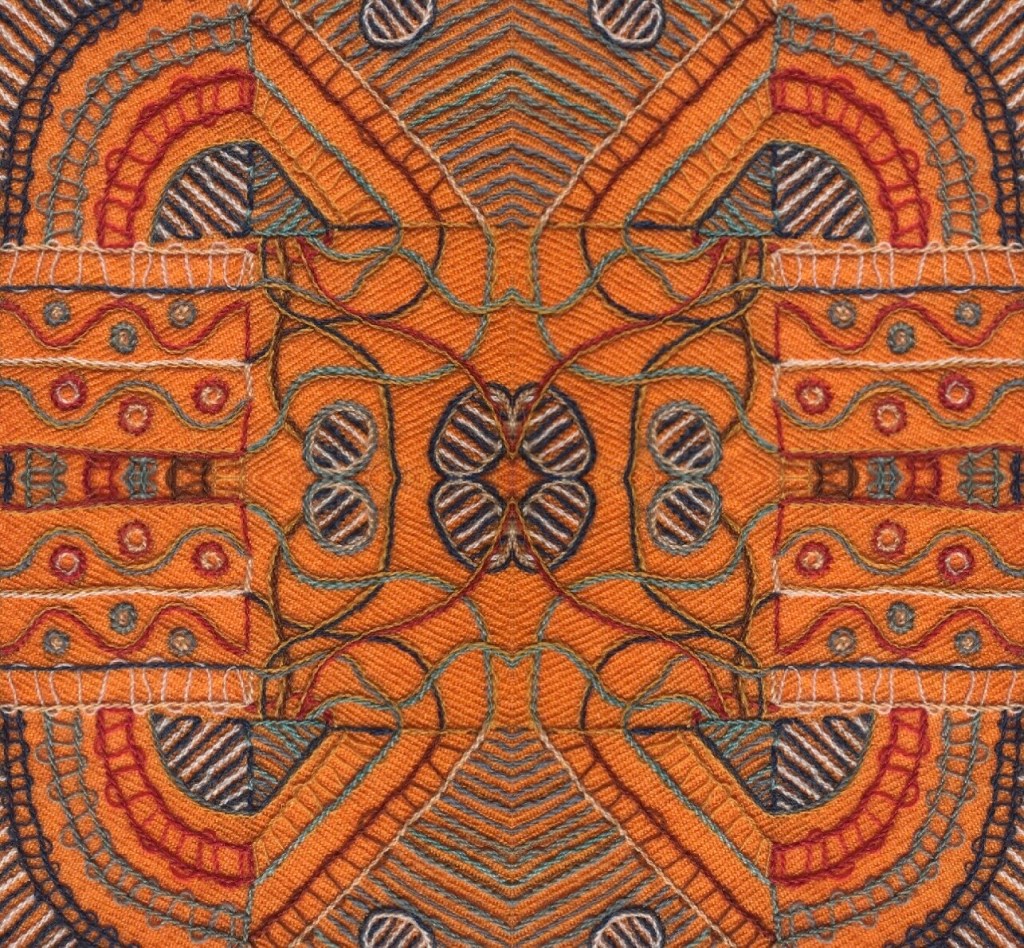
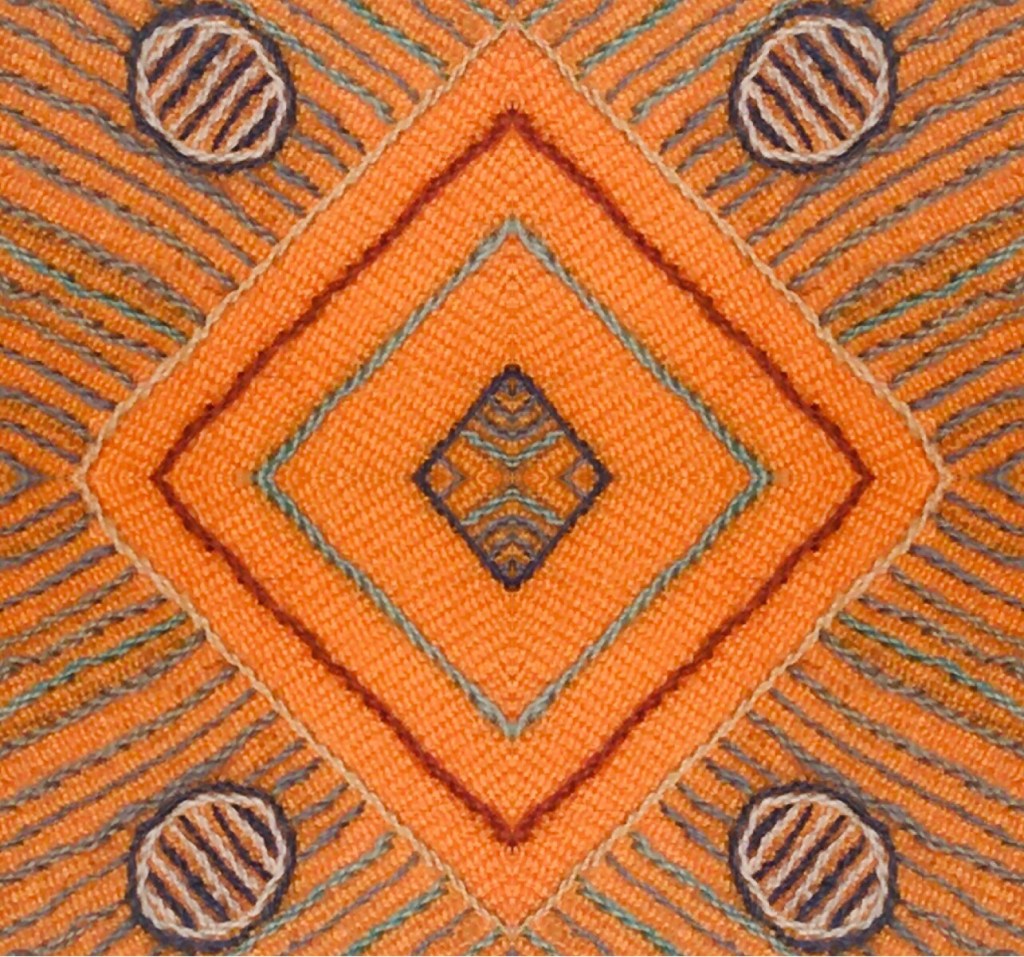
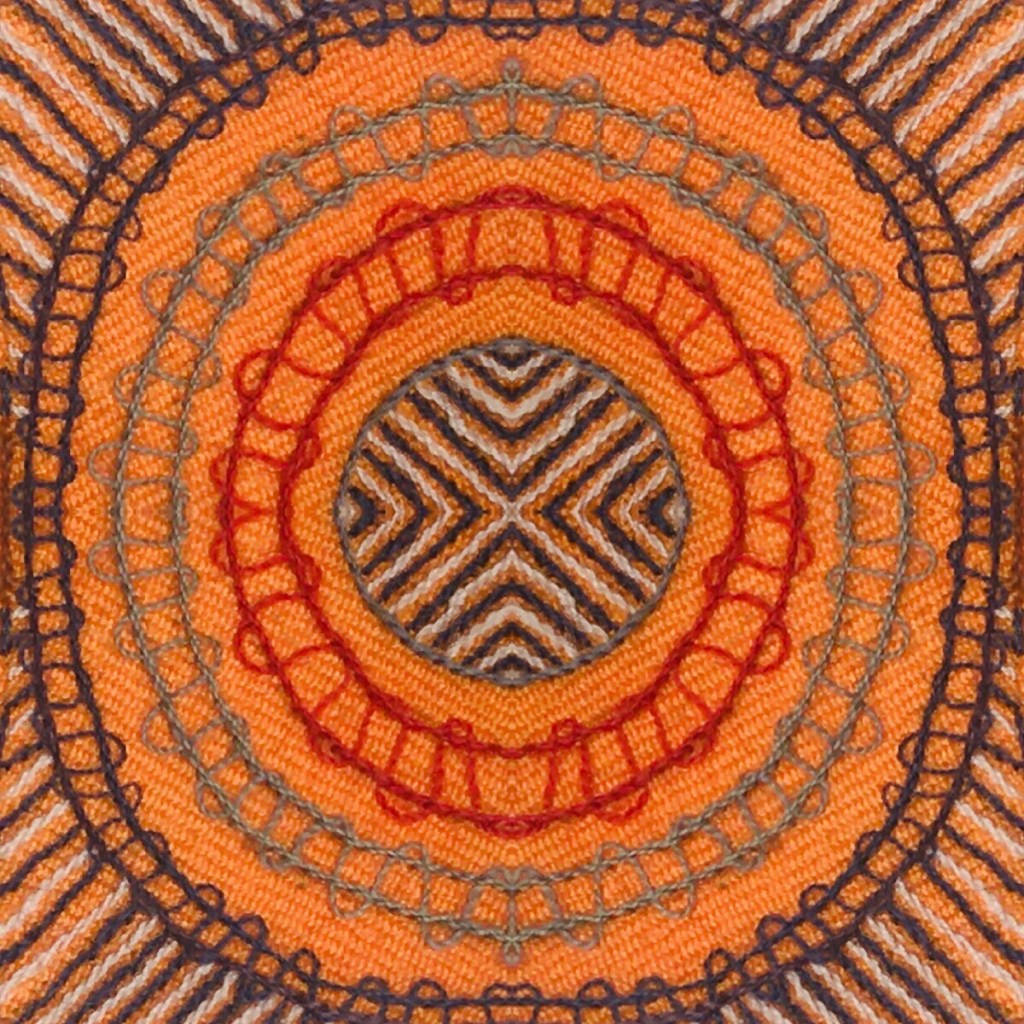
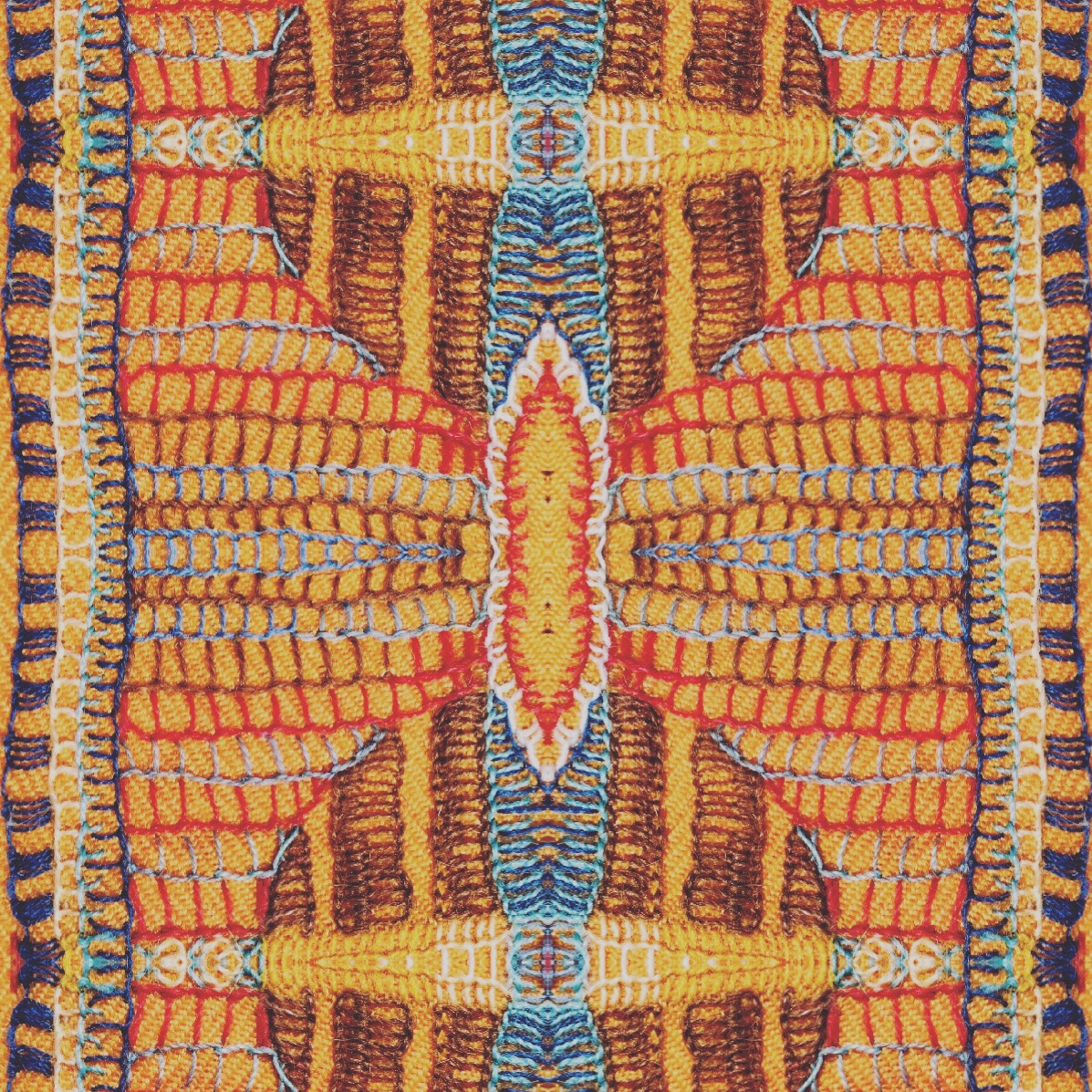
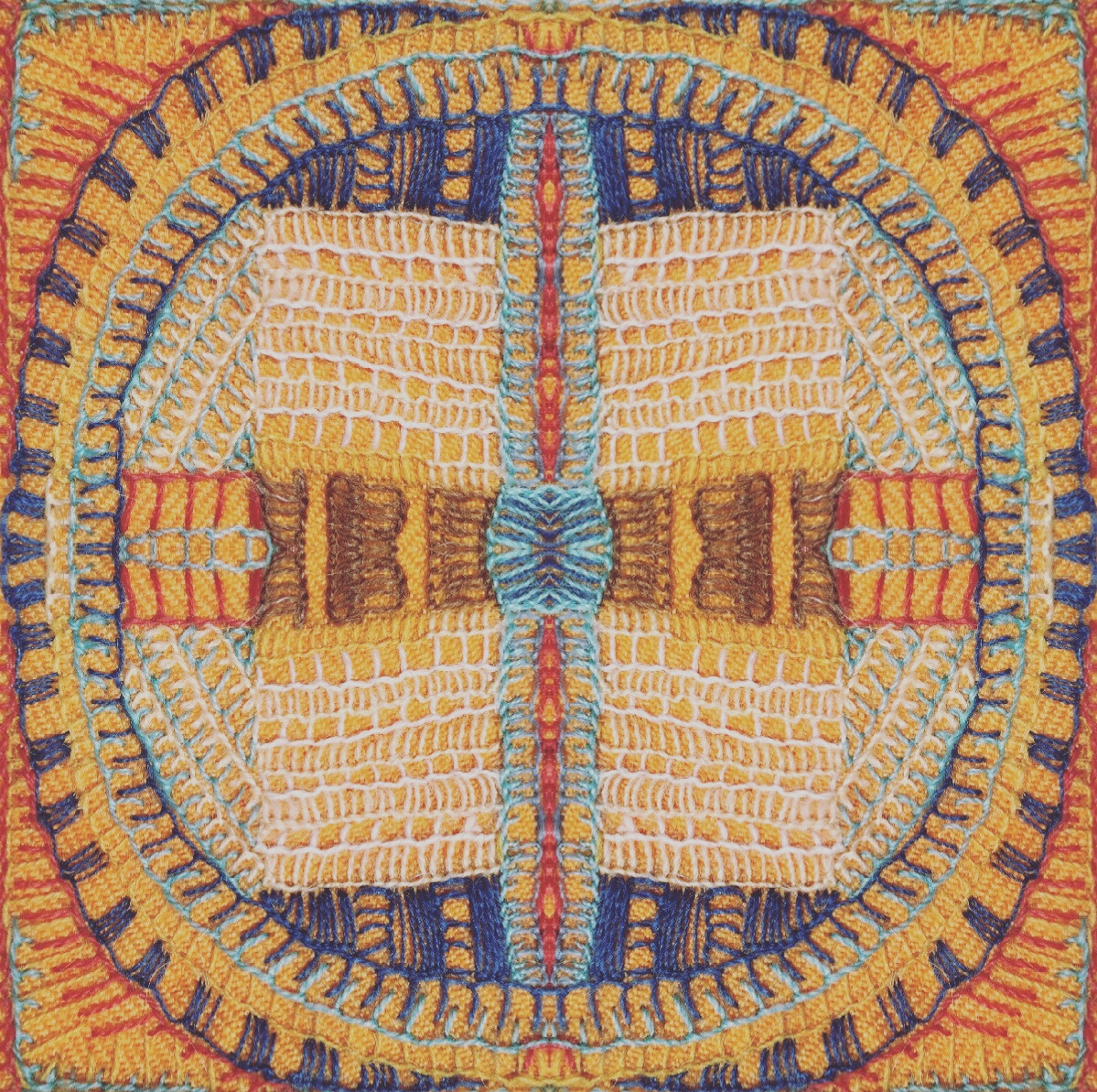
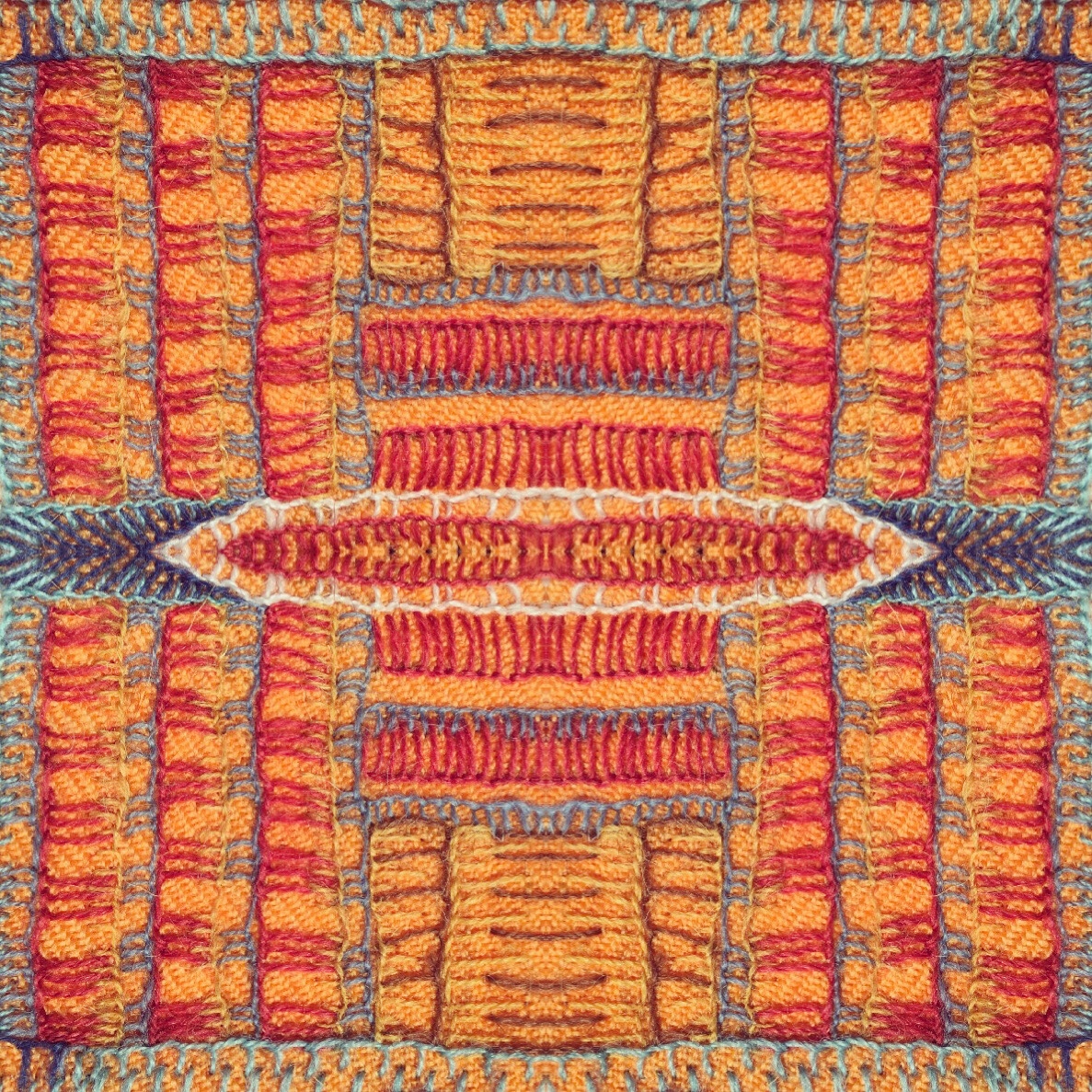
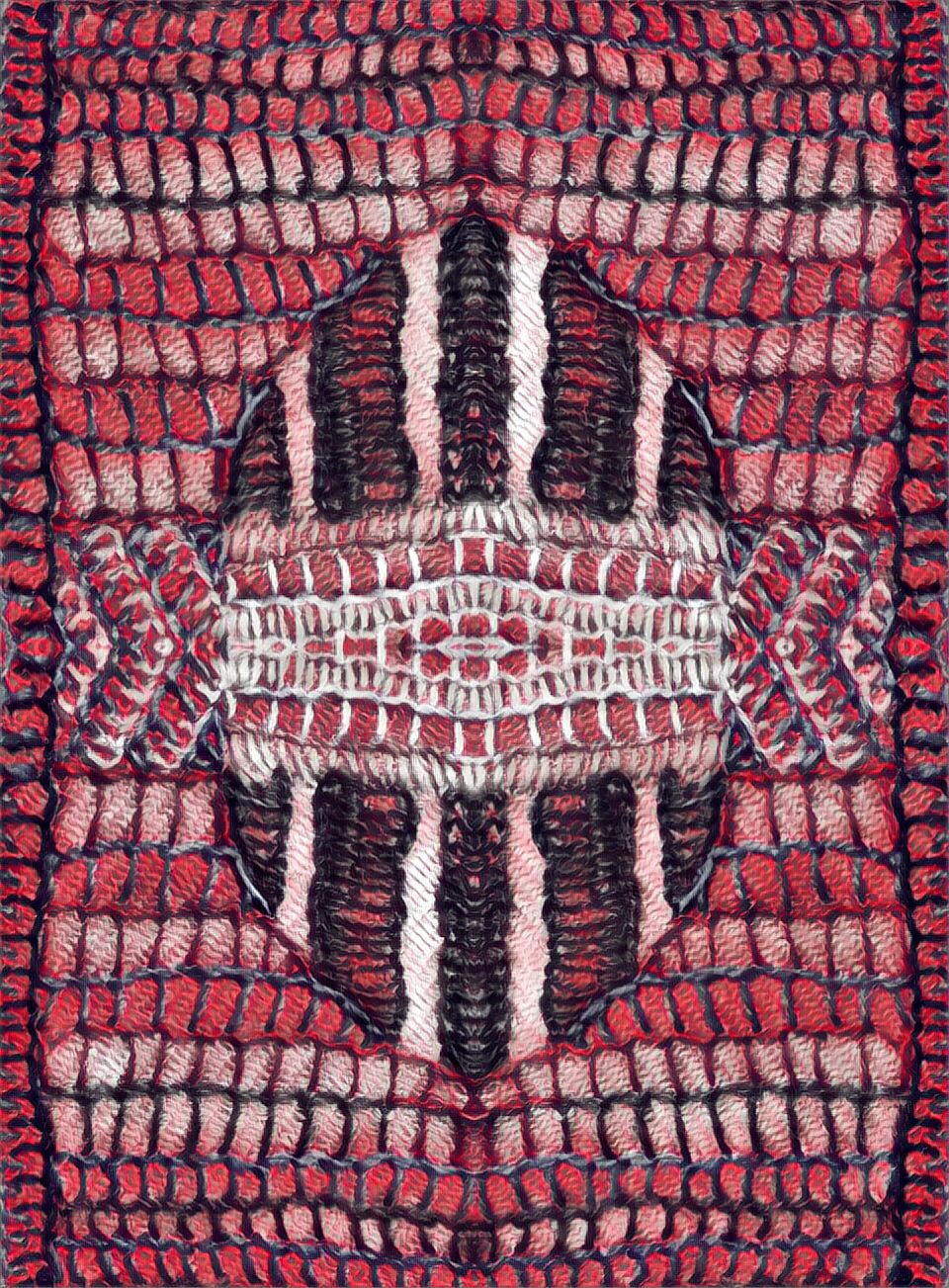
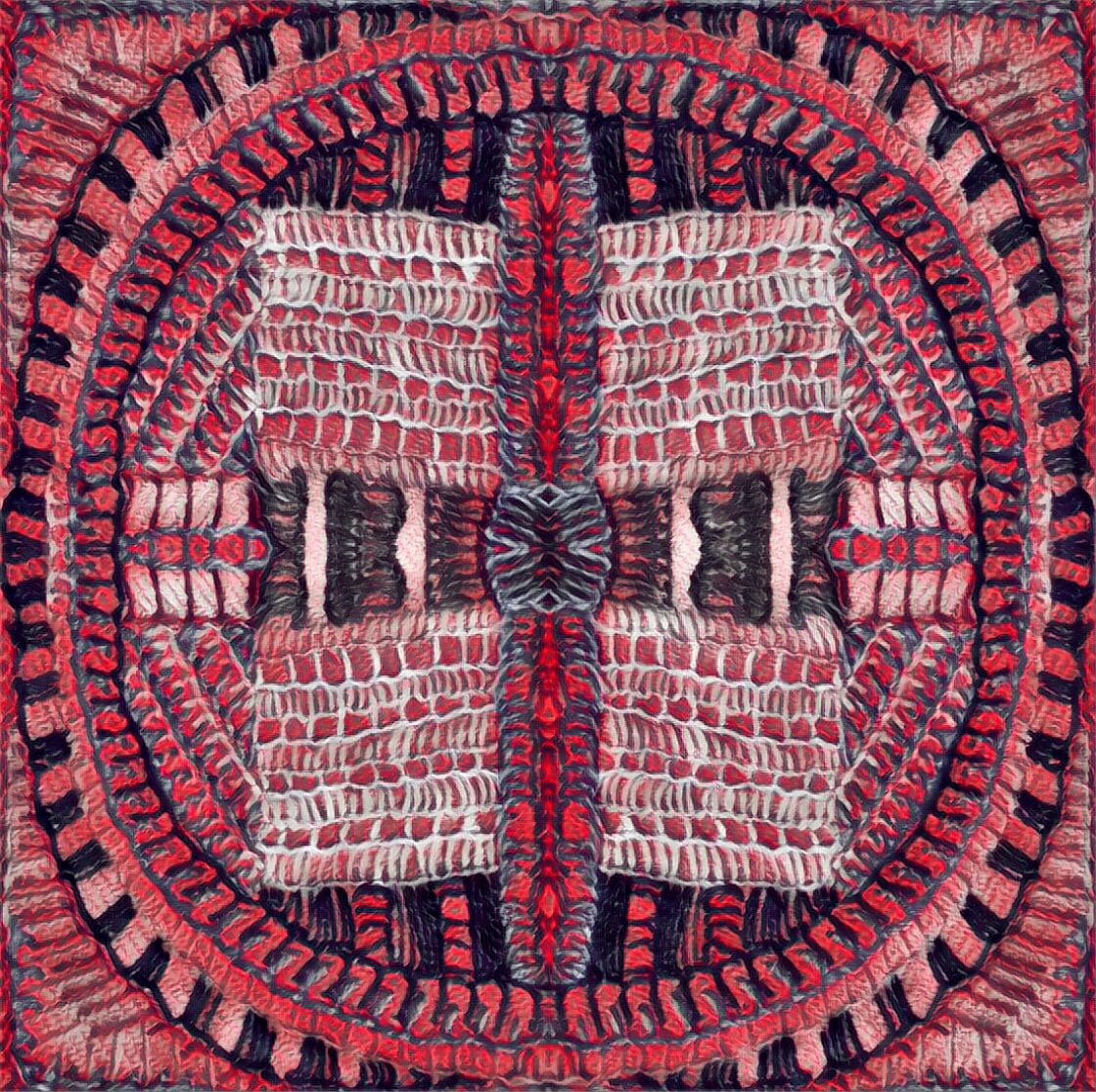
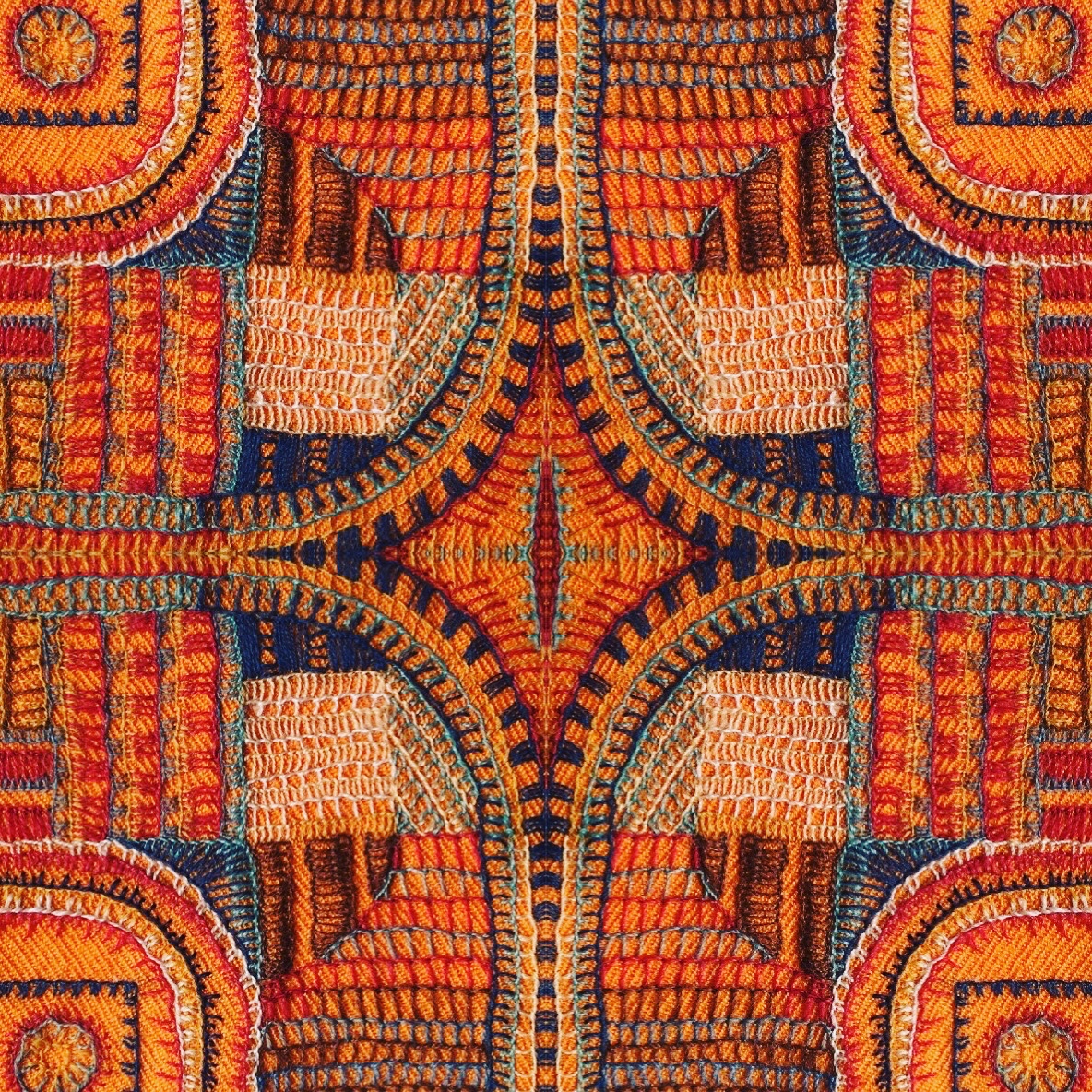
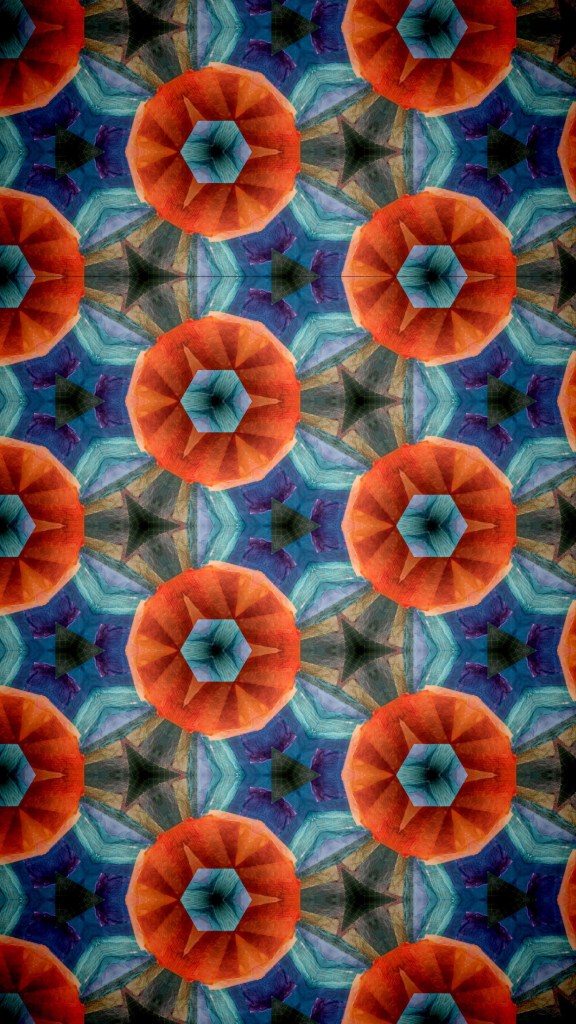
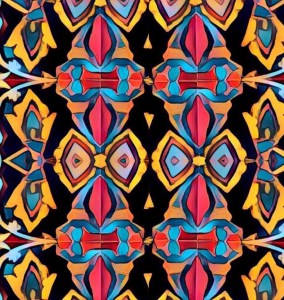
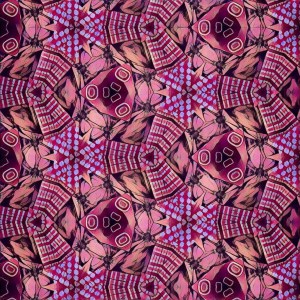
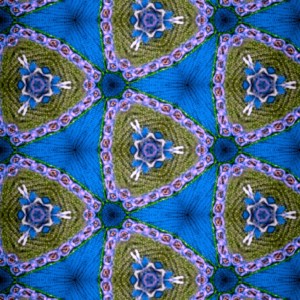
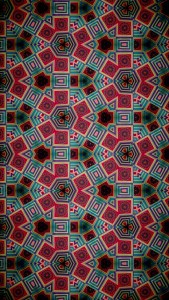
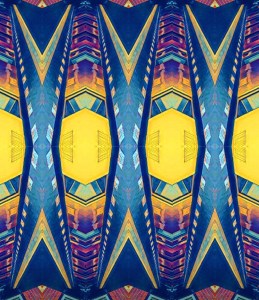
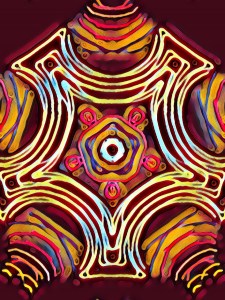
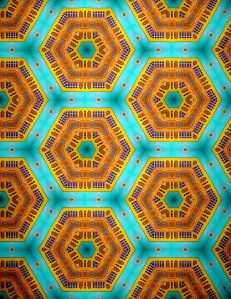
The project begins by uploading the Kaleidoscope app and drawing a design on it .This is easy as you just make some simple colour and pen selections and drag your finger on and around the screen of your device .It can be filmed on the app itself and then by taking a screenshot of the app in motion many different designs can be “screenshot”!
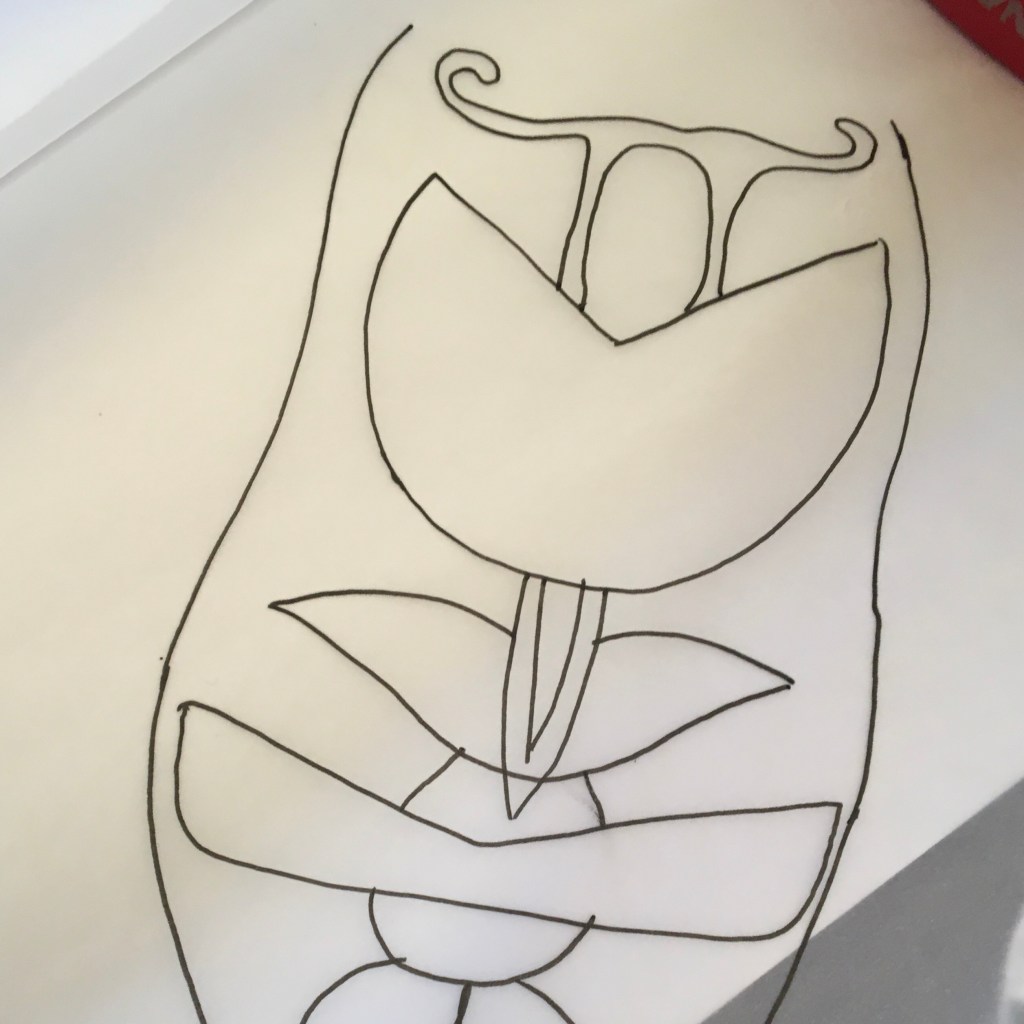
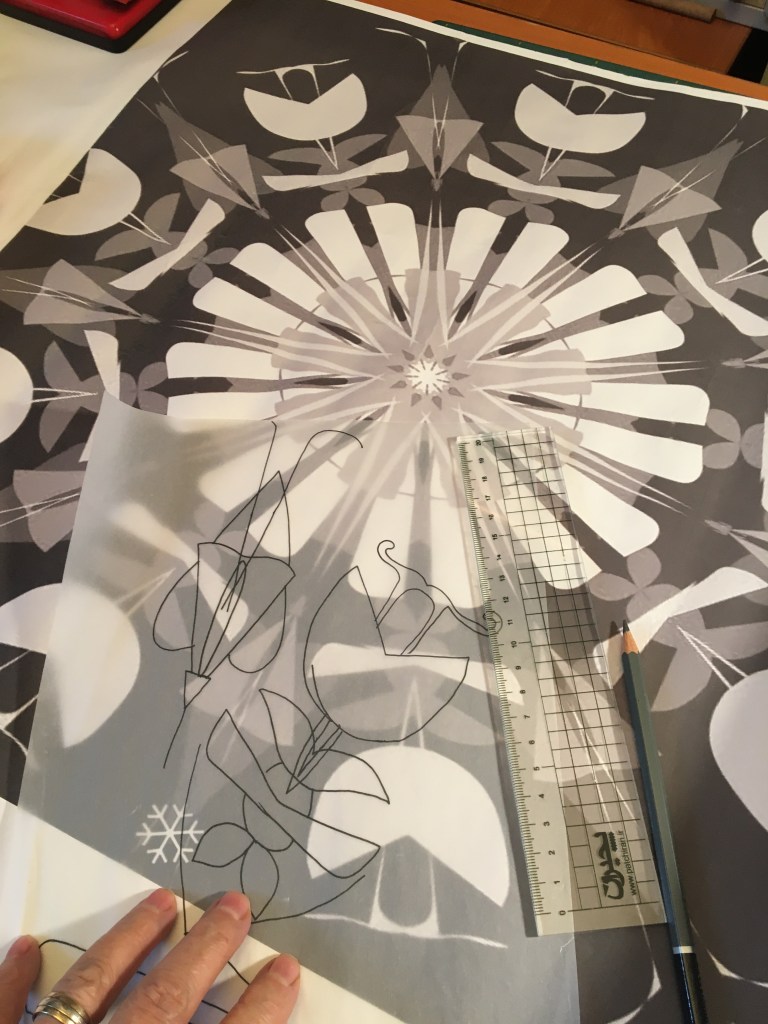
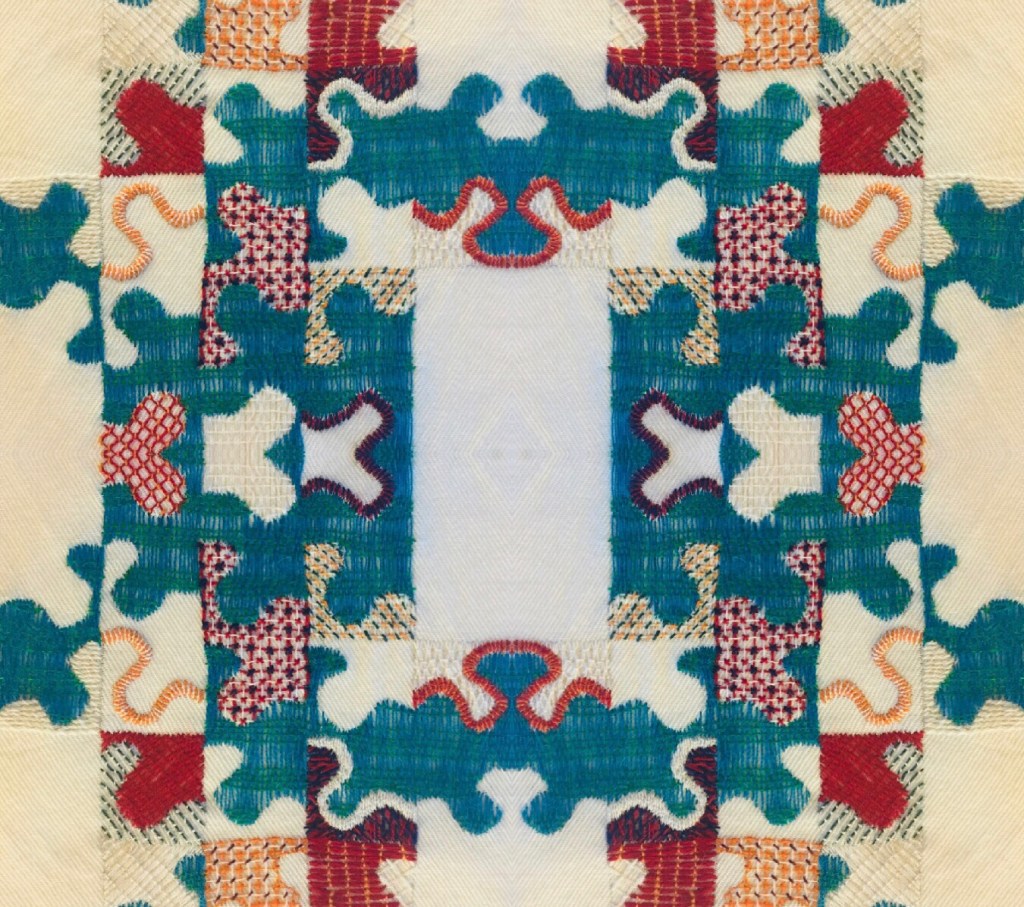
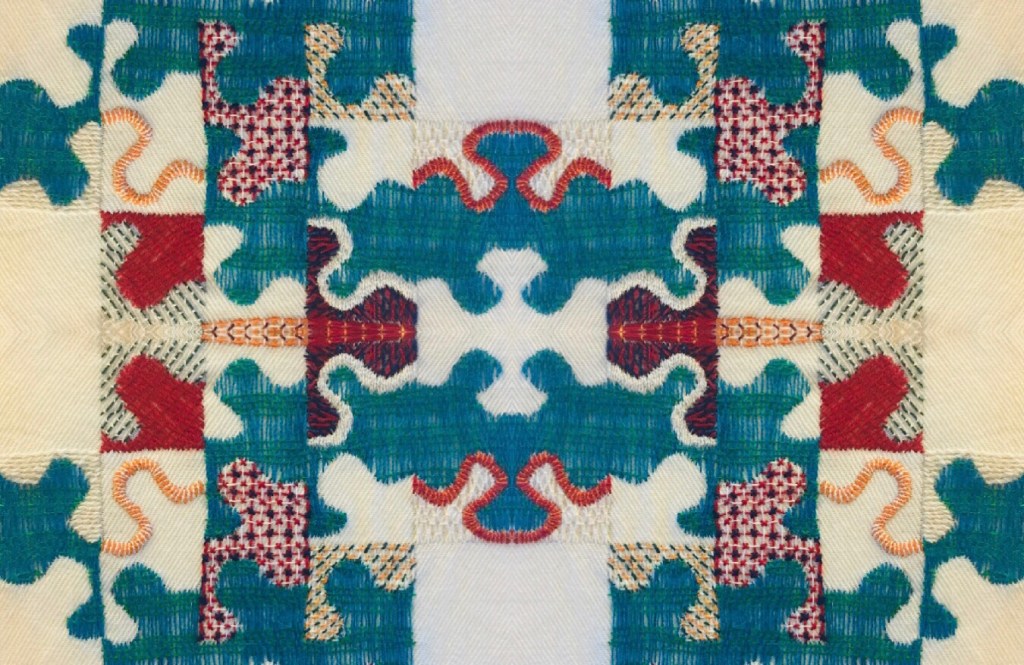
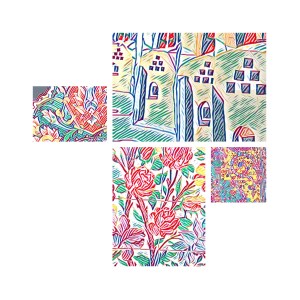
You could ,of course just work with the screenshot and use it as an appliqué design or as I have done ,you could extract floral or organic shapes and work with them to make a new design .
If you watch the video clip on Instagram you will see how it is possible to take a screenshot of many different designs .




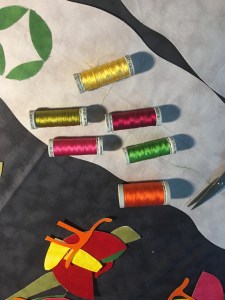


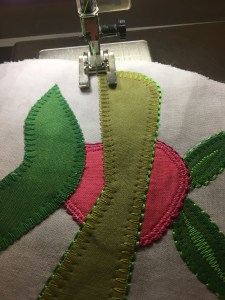
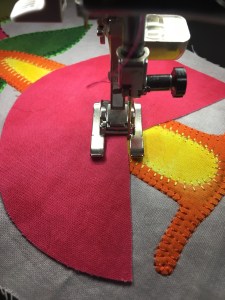

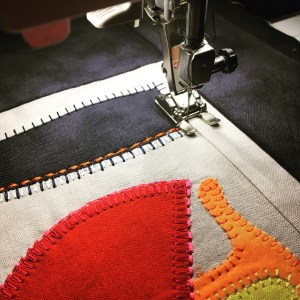
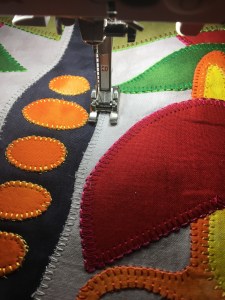

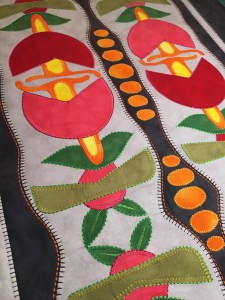
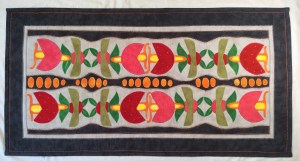
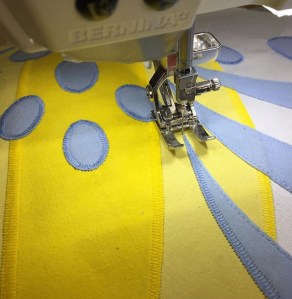
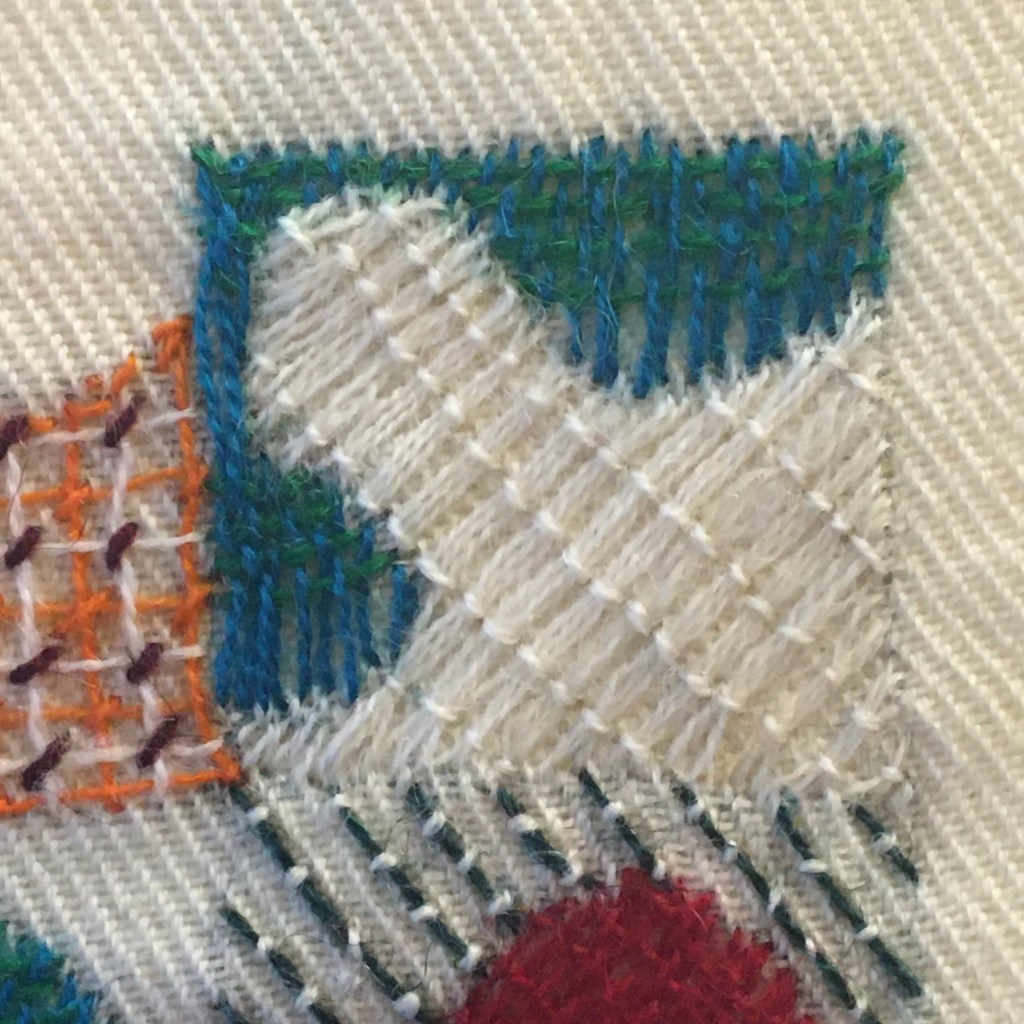
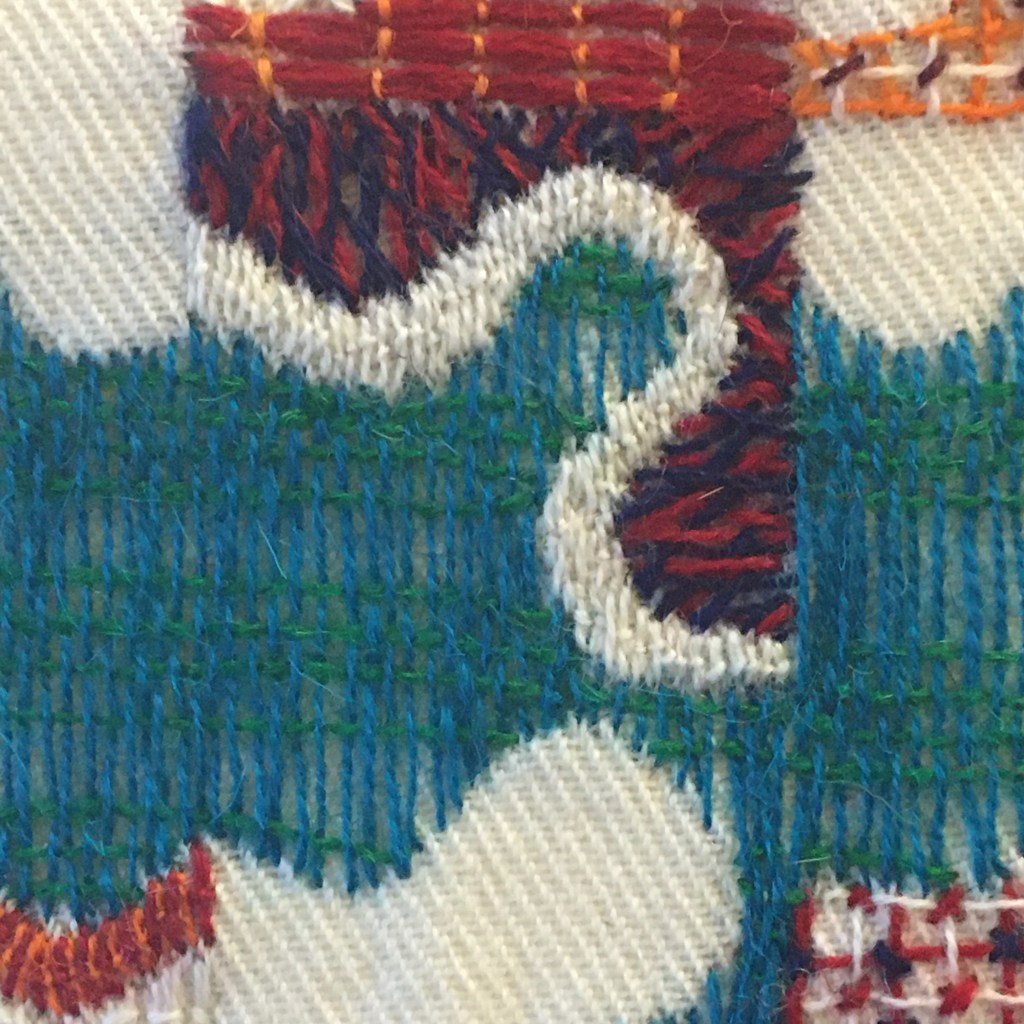
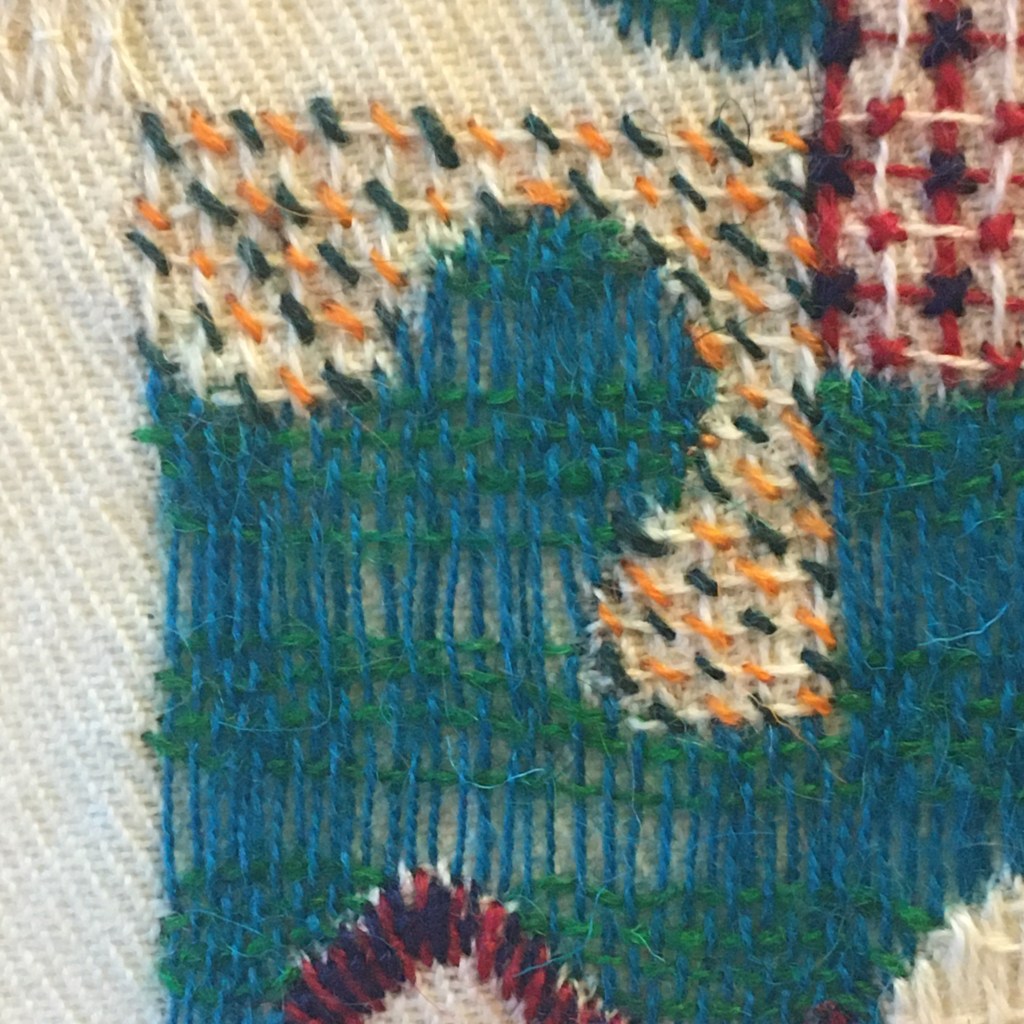
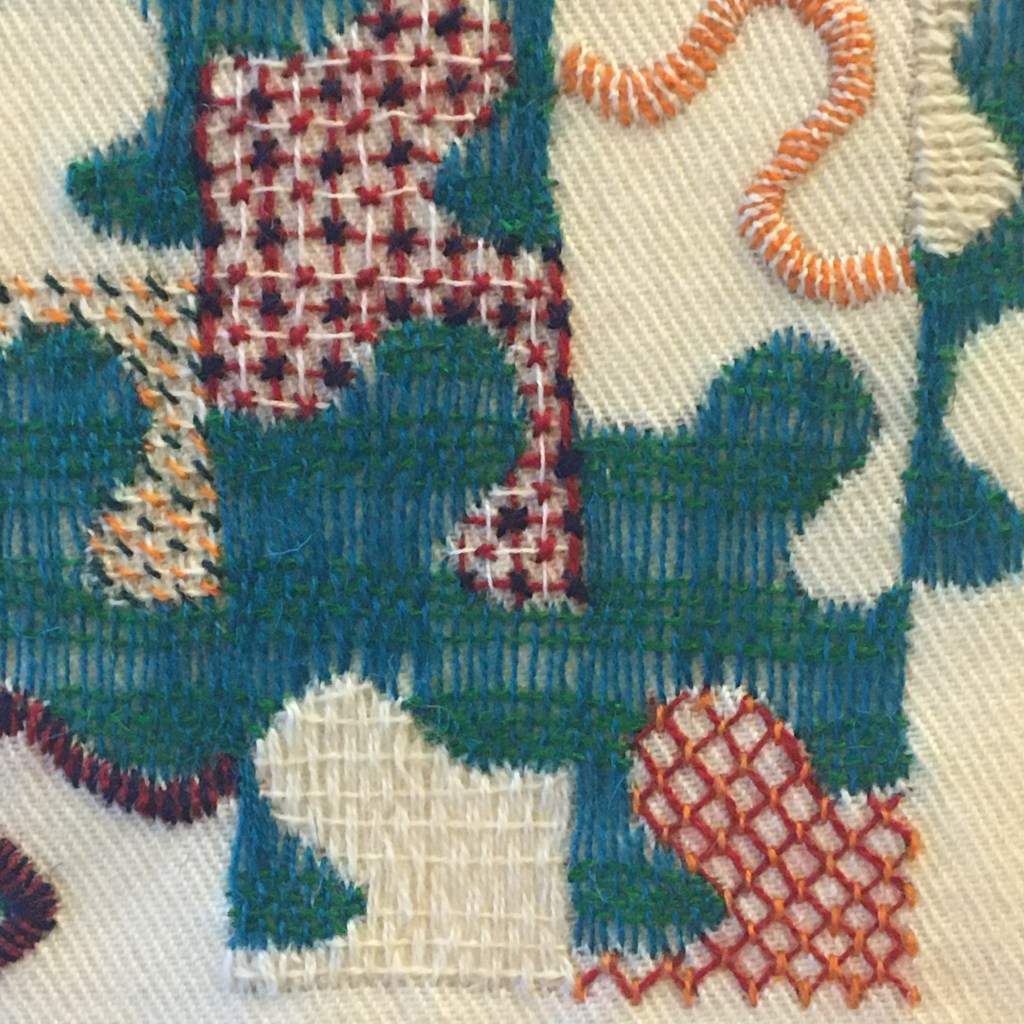
You can never really appreciate someones work until you have tried the techniques yourself and realize how much effort has gone into it and why it works. It is so with Janes work ! I have always loved her work , the boldness of the colour and the design as well as her use of the sewing machine and its decorative stitches but also its tools. Jane is the master of machine tools . She uses the machine to its utmost and I appreciate that as Bernina Machines are expensive machines but have superb tools , so why not use them well. For instance, when using decorative stitches you must always begin at the beginning of the stitch process .Bernina have a tool for that – the pattern begin button ! You must always make sure you secure the starter threads and the final threads – securing function button . Using the speed control always helps as does the needle down position . Using the thread path you can move your needle to the easiest position to sew , while using the presser foot designed for your needs .The open toe appliqué presser foot is a great foot to have and also the open toe walking foot . The mirror image button comes in very handy so you do not have to keep turning your work around . And last but not least , the free hand system which allows you to lift and place the presser foot by knee actions keeping your hands free to control the work.
I always try to get the use of these functions over to my students and this is most certainly a project for anyone who wants to master the machines tools. Make the best of your machine ! This is not to say you cannot do this kind of work on any other machine , you most certainly can … but it may just try your patience a little !
Digitals
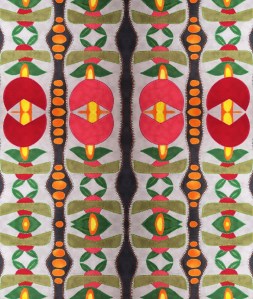
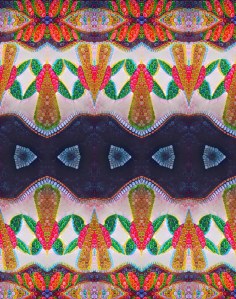


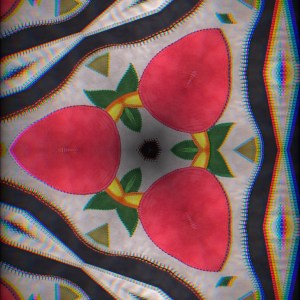
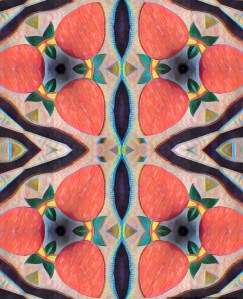
Playtime
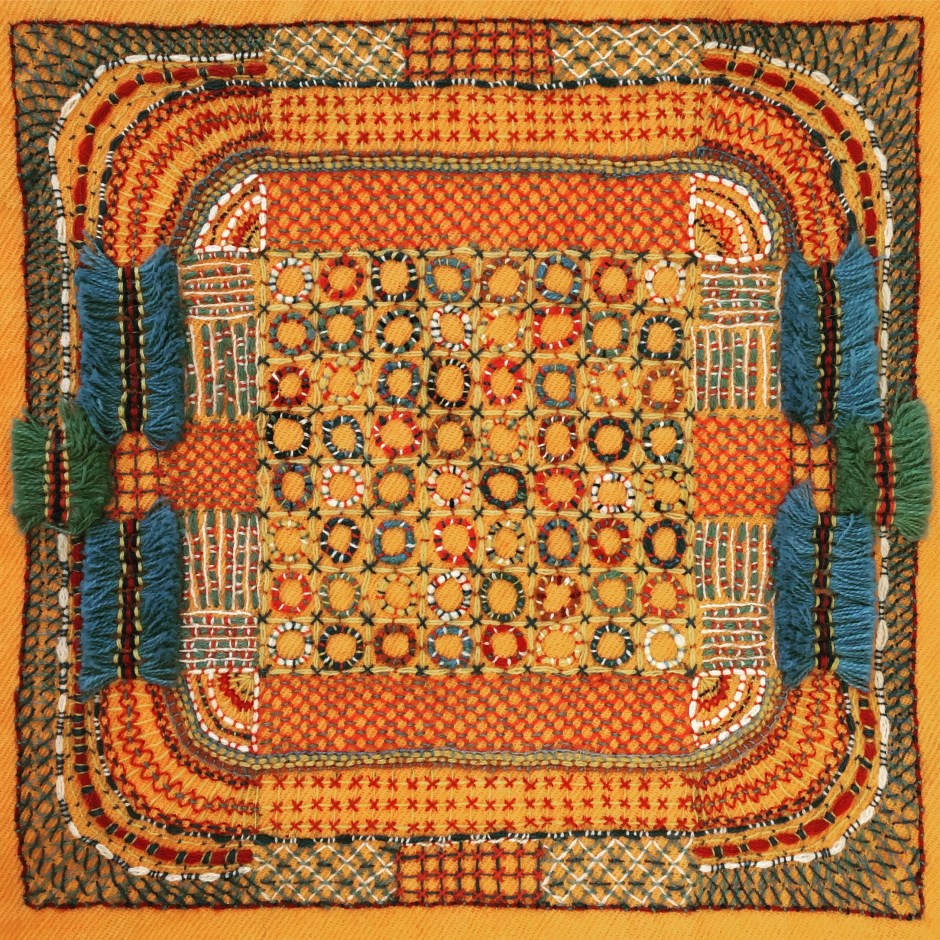
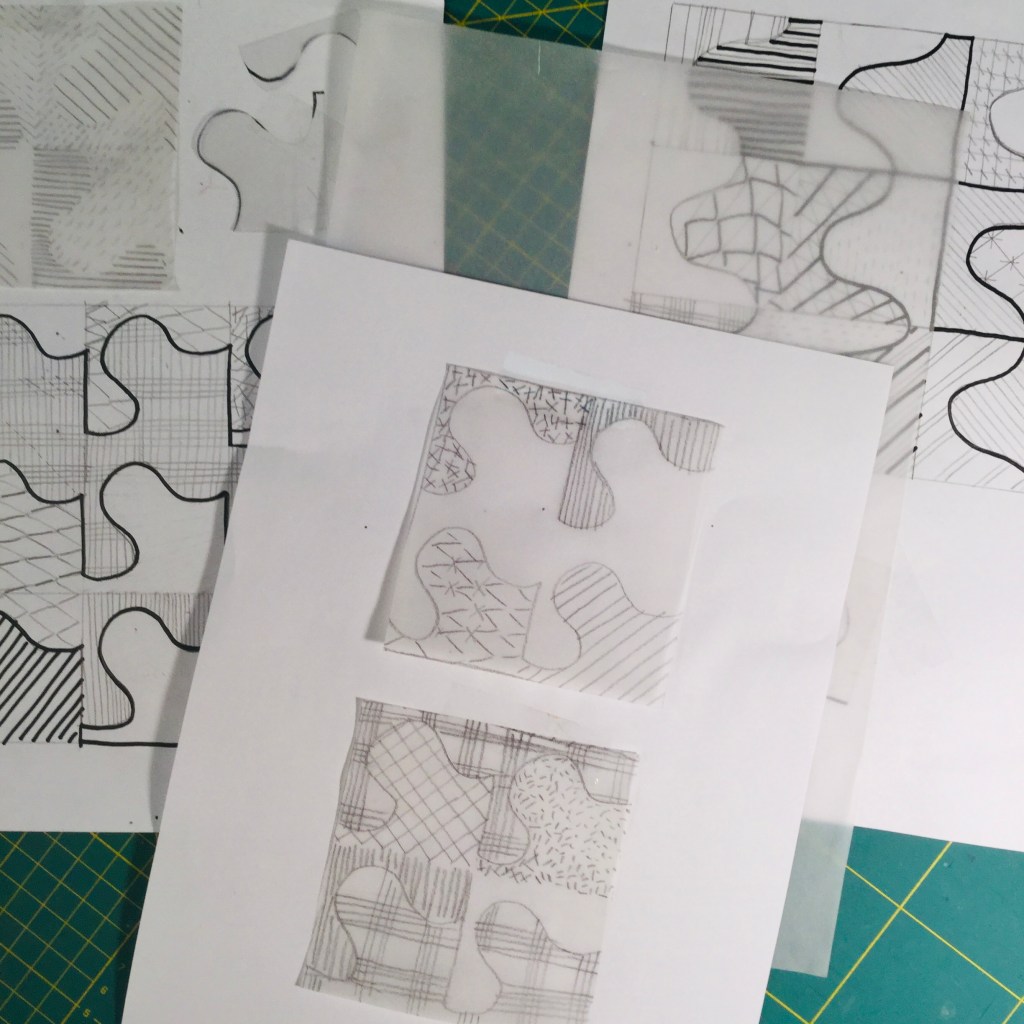
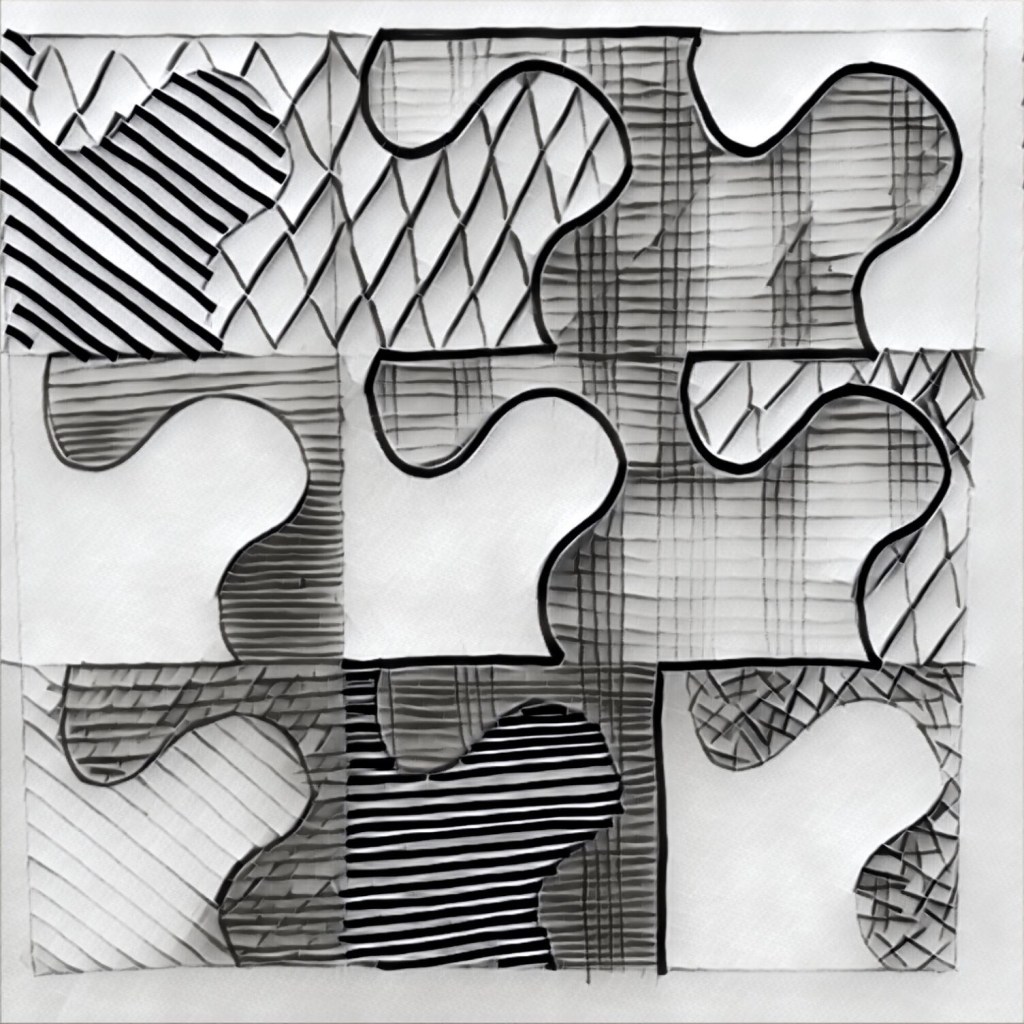
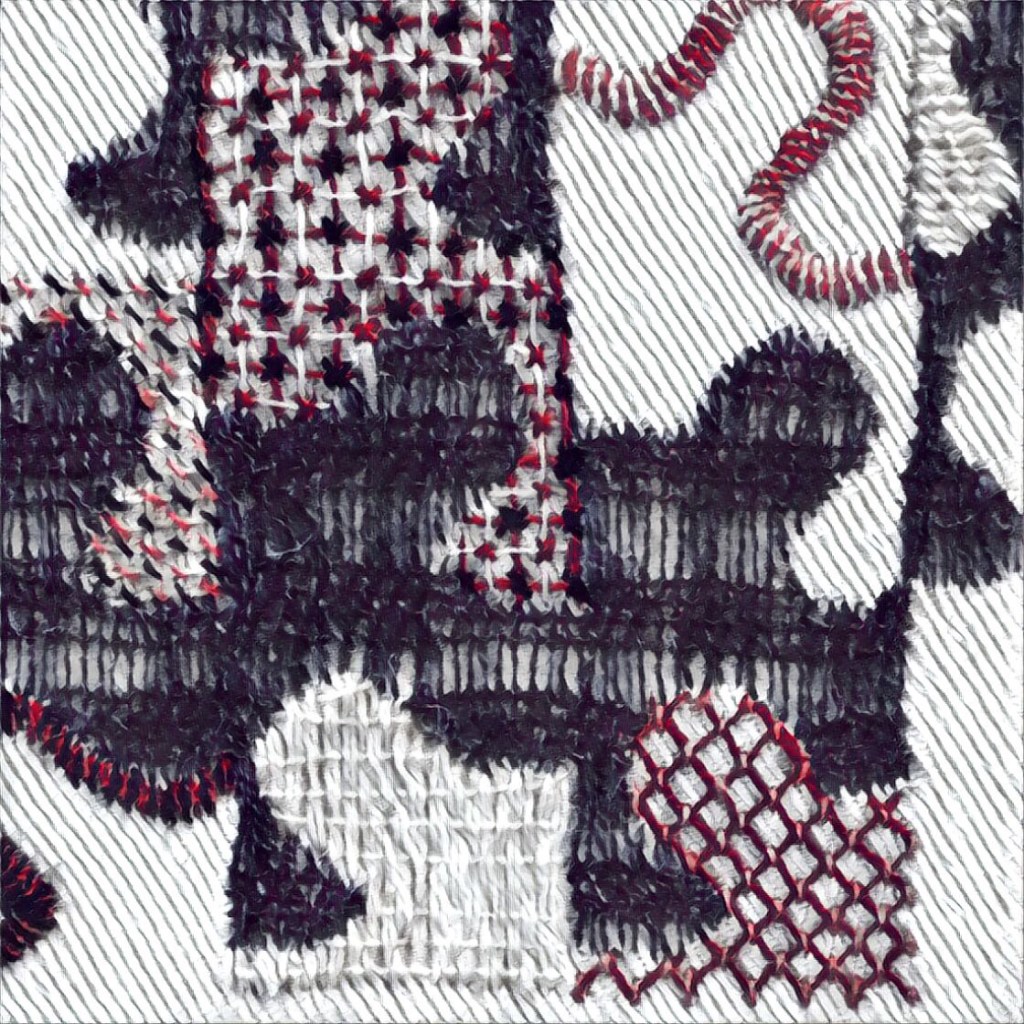
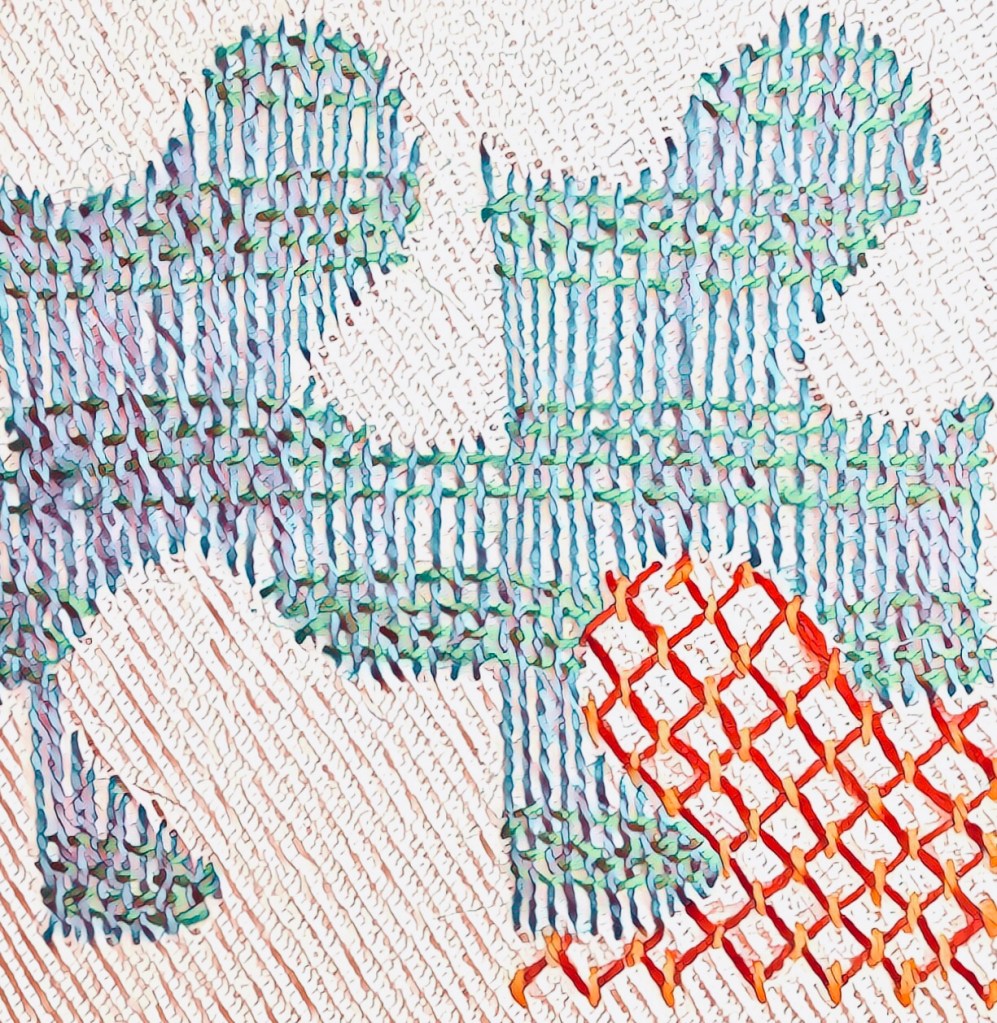
It is impossible to turn on these apps and not play ! I am messing around with ideas of how to turn this technique into a Mini quilt …30cm x 30cm



















































 Dzignpatch